



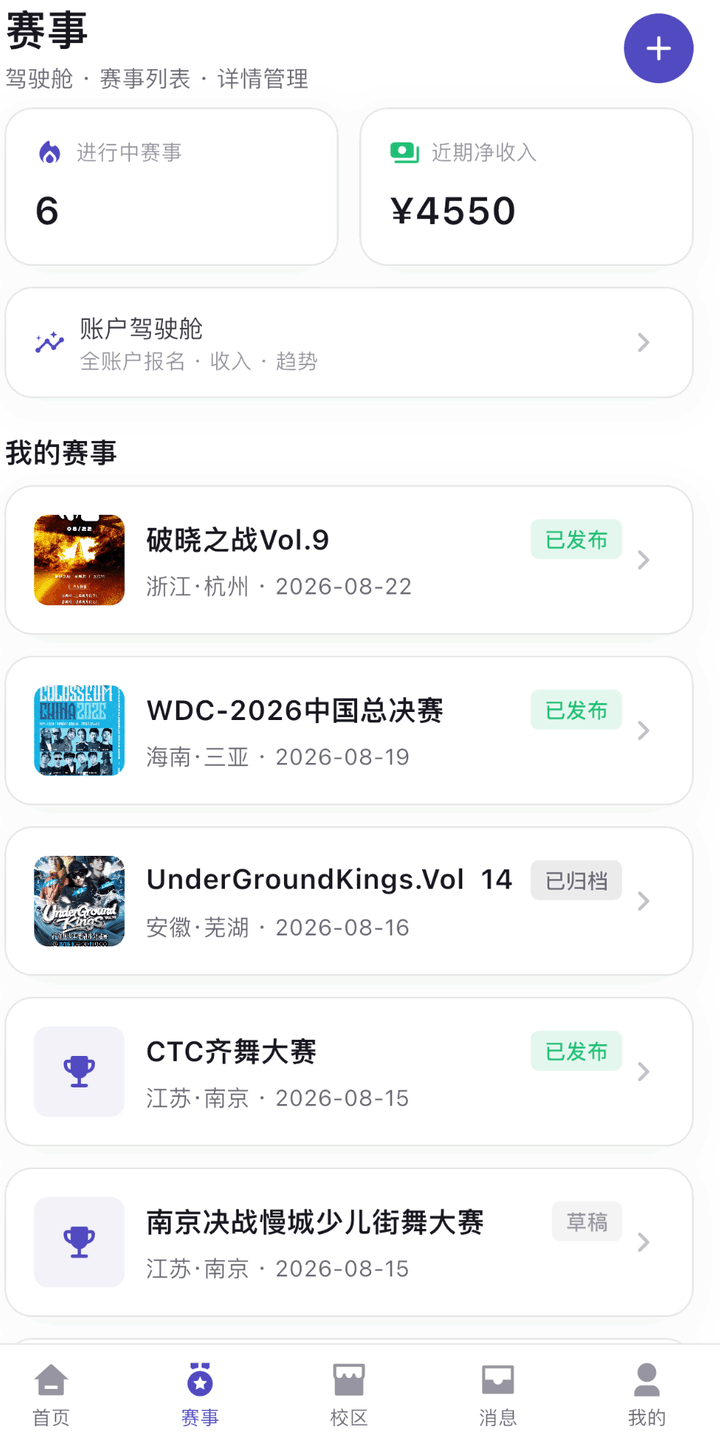
Run your event from anywhere — build on desktop, manage on mobile, check on-site, all in your grip.
Business data at a glance Registrations, orders, and revenue — key metrics anytime.
Review & manage finances Handle registration approvals, orders, and reconciliation.
Reach players with notices Push schedule changes and result announcements in one tap.
Build on desktop, manage on mobile Complex setup on desktop, daily ops on your phone.
WeChat can't download the installer
- 1Tap the ··· button in the top-right corner
- 2Choose "Open in Browser"
Open this page in your system browser, then tap the download button again.
DESKTOP CONSOLE
Desktop Console
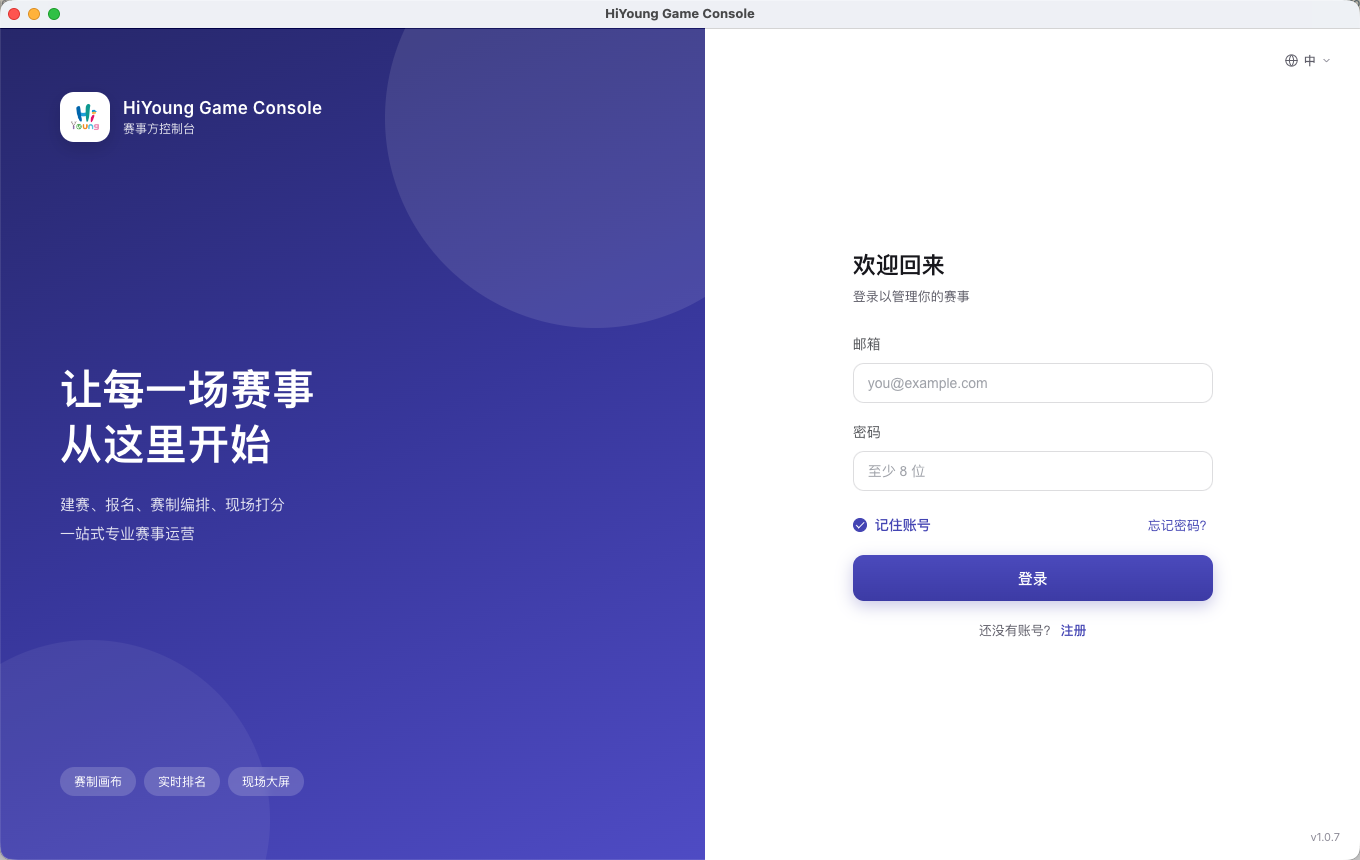
Complex setup is easier on a big screen — build brackets, review sign-ups and manage finances on Windows and macOS, with your whole event in hand.
Not sure which one you have? Open the Apple menu in the top-left corner › About This Mac — the Chip line is your answer.
Still on Windows 7 / 8? Those need a separate compatibility build: Download the compatibility build (64-bit) 32-bit The compatibility build runs on an older engine, does not update itself, and some features may differ from the regular build.